
AI calorie estimates need a portion check—not blind trust
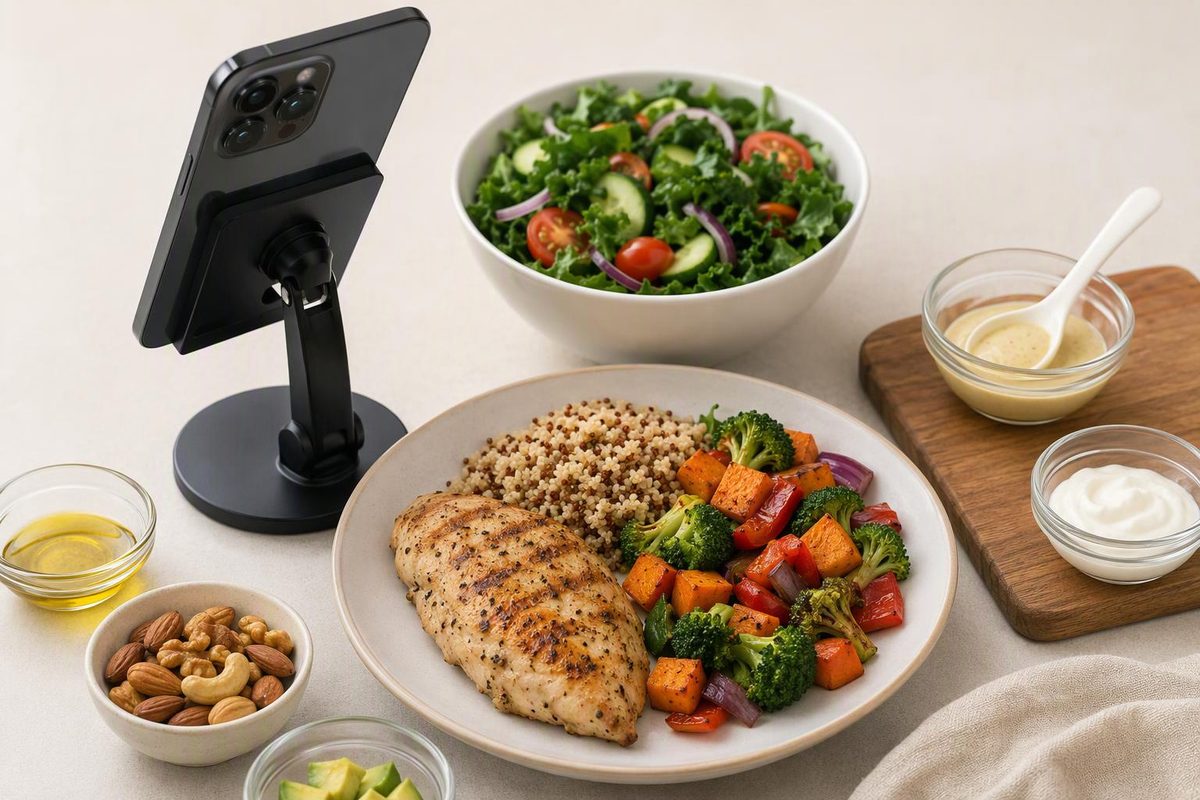
Photo-based apps can miss portions and hidden fats. See what a 2026 study found and when to use labels, measured ingredients or manual entry instead.
AI photo-based calorie trackers are useful as a first draft, but their estimates need a food, portion and ingredient check. Recognizing chicken and rice is a different task from knowing how many grams are on the plate—or how much oil went into cooking them.
A photo estimate, a barcode lookup and a manually entered recipe are different ways of producing a calorie total, even within the same app. The findings below concern photo-based logging, not every feature marketed as AI.
What the 2026 study actually found
Researchers at the NIH’s National Institute of Diabetes and Digestive and Kidney Diseases tested standardized photographs of 102 meals prepared in a controlled metabolic kitchen. Ingredients were weighed to the nearest 0.1 gram. They compared reference nutrition values calculated using national food composition tables with photo-based estimates from MyFitnessPal, Lose It!, Cal AI and Appediet. (ASN’s July 25, 2026 release)
The meals averaged 918 calories, with a range of 592–1,211 calories. All four apps underestimated meal calories, with average shortfalls ranging from about 250 to 345 calories per meal; the researchers summarized this as roughly one-third. Fat estimates were about 30 grams too low. These are averages for the meals and app features tested—not an error allowance for every meal you photograph. (Original conference abstract)
The evidence has an important limit: these were conference findings, which the release says should be considered preliminary until a peer-reviewed publication is available. The release and abstract do not provide app version numbers. They therefore cannot establish how every current version performs, or whether a corrected photo log has the same error as an unadjusted one.
Do not automatically add 345 calories—or multiply every estimate by 1.5. An average underestimate across a particular meal set is not a validated correction for your meals.
Food recognition is not calorie accuracy
A separate peer-reviewed evaluation of nutrition apps available in Australia illustrates the difference. Researchers tested 22 food and drink images containing 39 food components. MyFitnessPal version 24.10.0 scored 38/39: a 97% food-identification score, not a 97% calorie-accuracy score. The scoring method credited all main components when an app correctly recognized a whole mixed dish; it did not require the app to list every ingredient separately.
In the same study, its estimate for the tested eggs-on-toast-with-butter meal was 35% below the reference, with butter omitted. Other dishes and apps produced both overestimates and underestimates. That small image set is not a current app ranking; it shows why correctly naming a food does not guarantee the right nutrition total.
A photo alone cannot confirm an unseen recipe. The 2026 researchers’ early follow-up results suggested greater difficulty with higher-fat ketogenic meals, but that finding was also preliminary. (ASN release)
When to keep the estimate—and when to replace it
Use the photo to speed up identification, then choose the strongest available information for the quantity.
| What you are logging | What to check or use instead |
|---|---|
| Packaged food | Match the exact product label and the servings or grams eaten. A barcode result still needs a portion check. |
| Homemade mixed dish | Enter ingredient quantities, including oils and sauces, then allocate the recipe total to your share. |
| A plate with separate foods | Review each suggested food and adjust its serving rather than accepting the meal total unchanged. |
| Restaurant or takeaway meal | Prefer nutrition published for the exact item and size when available. Otherwise keep the result as an estimate and check sides, sauces and portion assumptions. |
For US packaged foods, the FDA explains that calories on the Nutrition Facts label refer to the listed serving. Its sample lasagna has 280 calories per one-cup serving, so two cups supply 560 calories—not 280. Serving size is not a recommendation of how much to eat. (FDA label guide)
Manual entry is not automatically accurate either: selecting the wrong database food or serving simply replaces one assumption with another. For meals such as Chinese beef with cashews, the useful questions are still how much you ate and whether rice, oil, sauce and cashews are included.
A quick check before saving a scan
- Review the food list, not just the calorie total. Replace mismatches and add missing items.
- Set the amount eaten, including partial servings and leftovers.
- Check additions separately, especially cooking fats, dressings and sauces. Avoid adding them twice if the chosen recipe already includes them.
- Save a checked recurring meal, updating it when the recipe or portion changes.
MyFitnessPal’s own Meal Scan instructions explicitly tell users to choose matching foods, adjust servings and add missed items. That is the sensible role for photo logging: a shortcut to a reviewed entry, not a measurement of everything on the plate.